Plug in
Connect the Clicker to your phone's camera adapter.
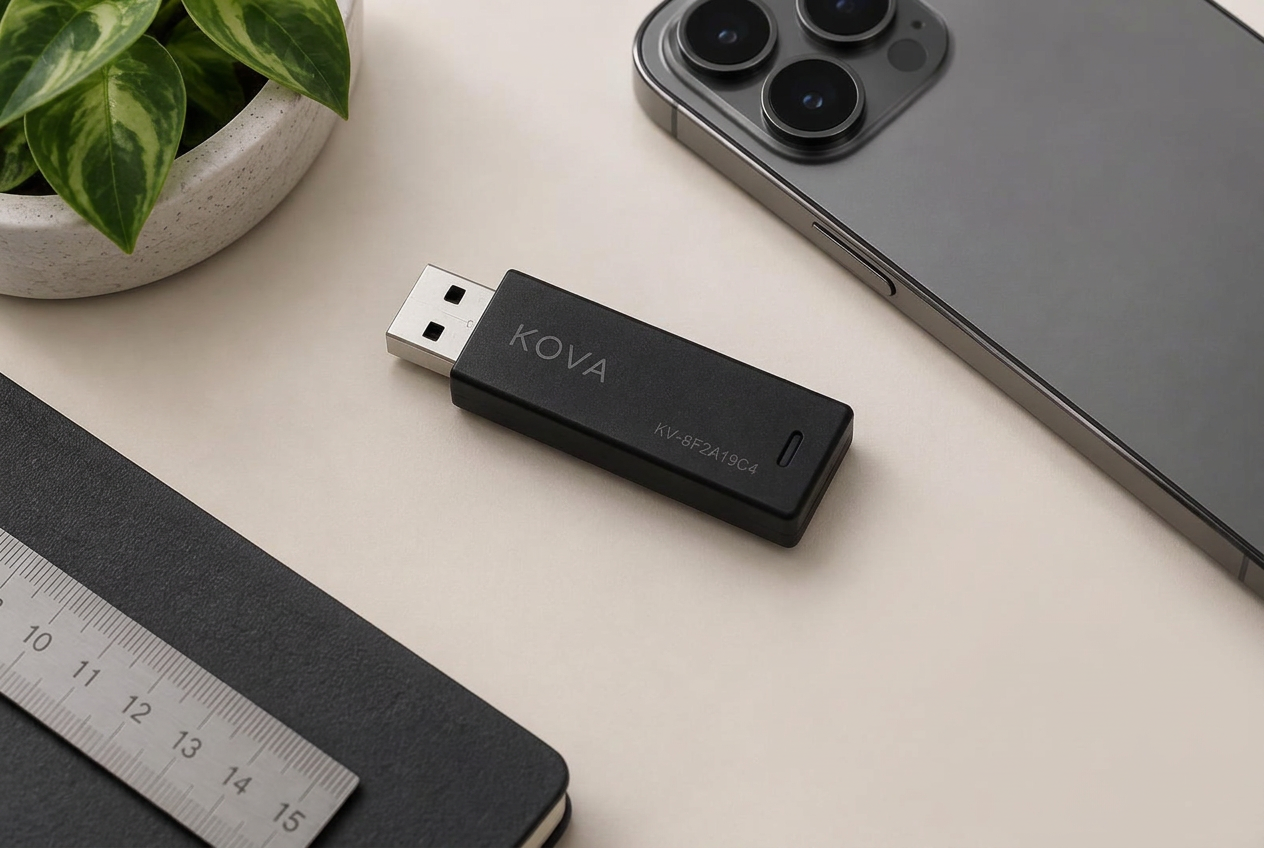
Kova Clicker — USB hardware
Plug in the Clicker. Open the panel. View an authorized screen-sharing session and use desktop mouse and keyboard input over standard USB.
From desk to phone
Connect the Clicker to your phone's camera adapter.
Add the printed Device ID in the Kova panel. Start Broadcast in Kova Viewer.
Click the live screen in your browser. Mouse and keyboard travel over USB.
The real phone
Your phone may be charging across the room or running an app that has no desktop version. Kova is designed for authorized operation of a device you own, without reaching for it.
Kova Viewer shows an authorized screen-sharing session in the browser. The Clicker sends mouse and keyboard input using standard USB input protocols.
In the box
Your Kova Clicker arrives with its Device ID printed on the label.
Compatibility
After the Clicker joins Wi-Fi, you can use it on that network. Performance may vary by device, network, operating system, and application.
Claim it with the Device ID. No pairing code.
Revoke a device from the panel if you lose access to it.
Ready when you are